How to bind hard-coded colors and spacing to variables in Figma
Your team set up variables, but the file is still full of colors and numbers typed in by hand. Change a variable and those layers don't follow.
The fix: Bindery
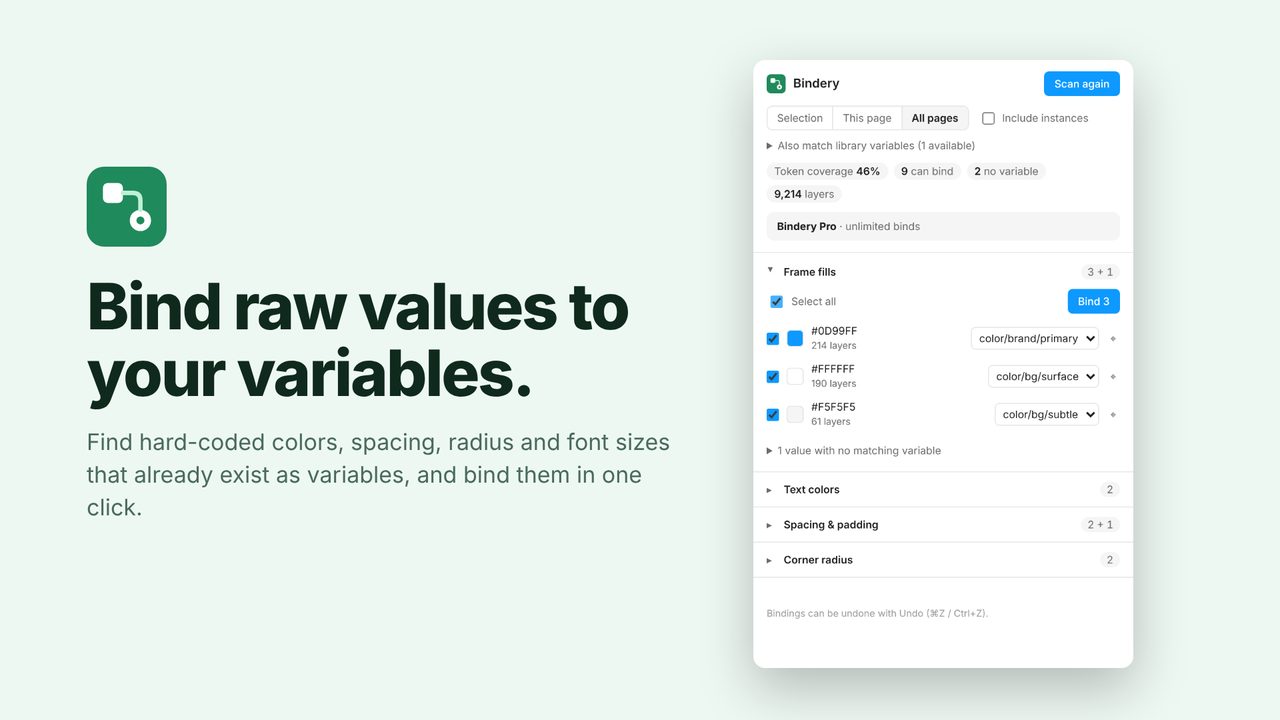
Bindery finds hard-coded fills, text colors, strokes, spacing, padding, corner radius and font sizes that match an existing variable, and binds them in one click. It respects each variable's scope and asks when a value could mean two things.
In review at Figma. It will be on the Figma Community soon. Subscribe for updates to hear the day it's out.
How to use it
- Run Bindery from the Plugins menu.
- Review the matches and your token coverage score.
- Bind one, a group, or everything.
Price
Free: unlimited scans and 5 binds a day. Pro: unlimited binds, $5/month or $36/year.
Questions
Does it work with library variables?
Yes, from any team library enabled in the file.