How to stop websites asking to send notifications in Chrome
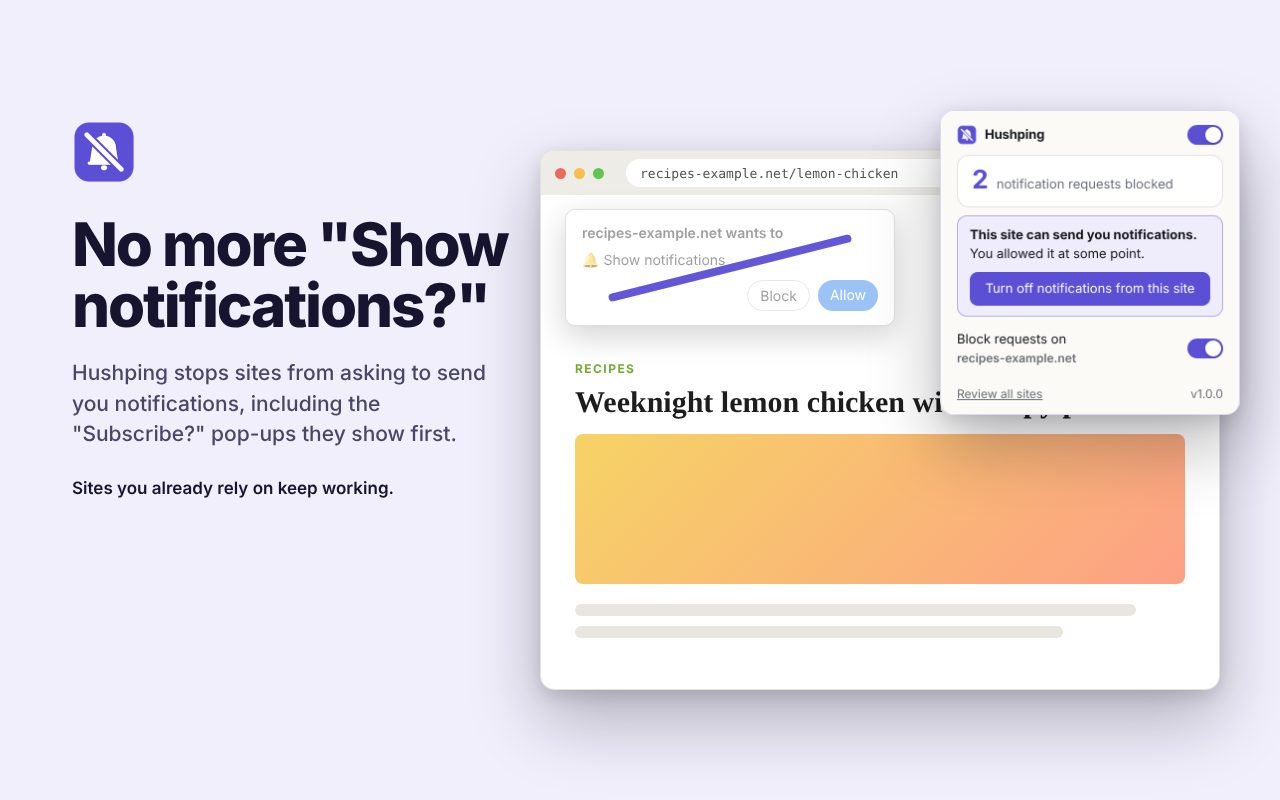
Half the sites you visit pop up "Show notifications?" or a "Subscribe?" box. Saying no once doesn't stop the next site from asking, and saying yes by mistake fills your screen with spam.
The fix: Hushping
Hushping answers those requests with "no" before the prompt ever appears, including the custom "Subscribe?" pop-ups, and lets you switch off sites that already send you spam in one click.
Coming soon to the Chrome Web Store. Subscribe for updates to hear the day it's out.
How to use it
- Add Hushping to Chrome (coming soon).
- Browse as usual. Notification requests are quietly declined.
- To turn off a site that's already sending notifications, open Hushping and click Turn off.
Price
Free.
Questions
Can I still get notifications from sites I want?
Yes. Allow a site in Hushping and it works as normal.
What does it collect?
Nothing. Your settings stay in your browser.