How to clean up missing library styles and components in Figma
Remove or swap a design library and the file keeps pieces of it: colors, text styles and components that point to a library that's no longer there.
The fix: Leftovers
Leftovers finds everything still linked to a removed library and lets you relink it to what you use now, detach it, or delete it, in bulk.
In review at Figma. It will be on the Figma Community soon. Subscribe for updates to hear the day it's out.
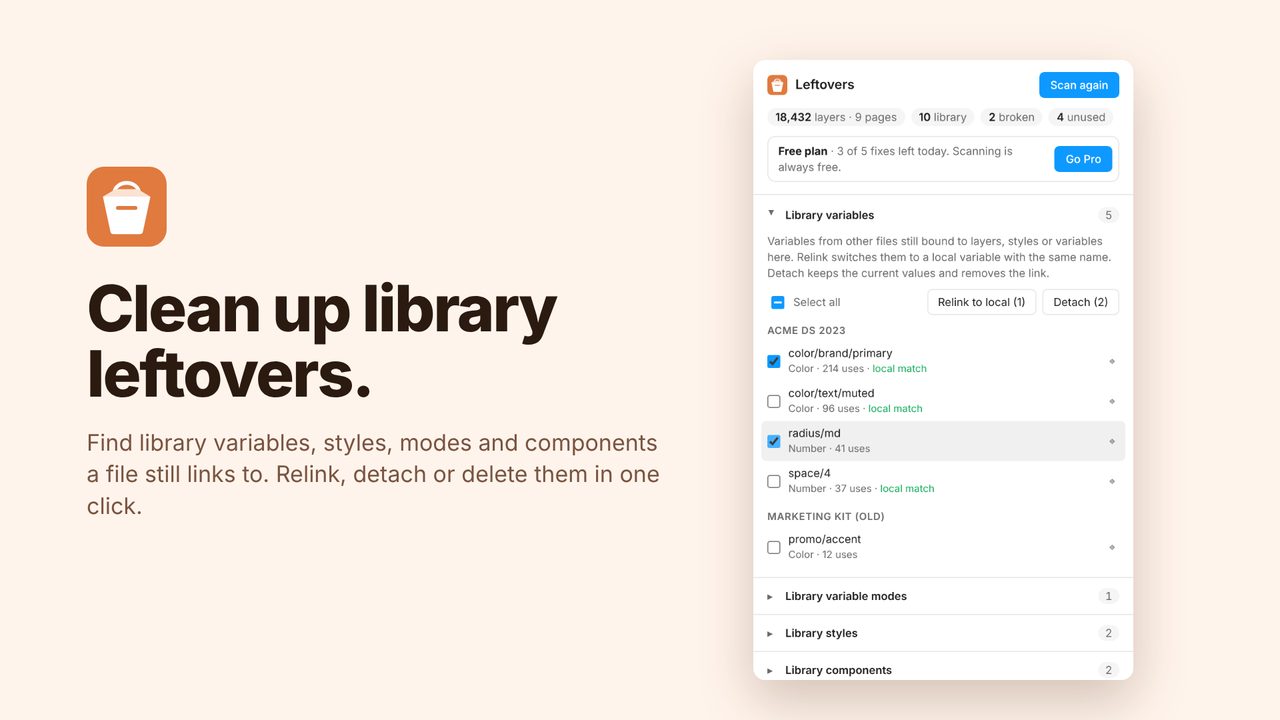
How to use it
- Run Leftovers from the Plugins menu and click Scan file.
- Review the leftovers it found, grouped by type.
- Relink, detach or delete them. Undo works as usual.
Price
Free: unlimited scans and 5 fixes a day. Pro: unlimited fixes, $5/month or $36/year.
Questions
Does my file leave Figma?
No. Everything runs inside Figma.