How to remove tracking from links in Chrome (utm, fbclid, gclid)
Links from emails, social media and ads carry tracking codes, the utm_source, fbclid and gclid junk on the end of the address. They follow you to the page and come along when you share the link.
The fix: LinkScrub
LinkScrub strips more than 100 kinds of tracking codes from links before the page loads, and adds "Copy clean link" to the right-click menu so the links you share are clean too. It leaves the parts a page needs, like search terms, alone.
Add to ChromeLinkScrub on the Chrome Web Store
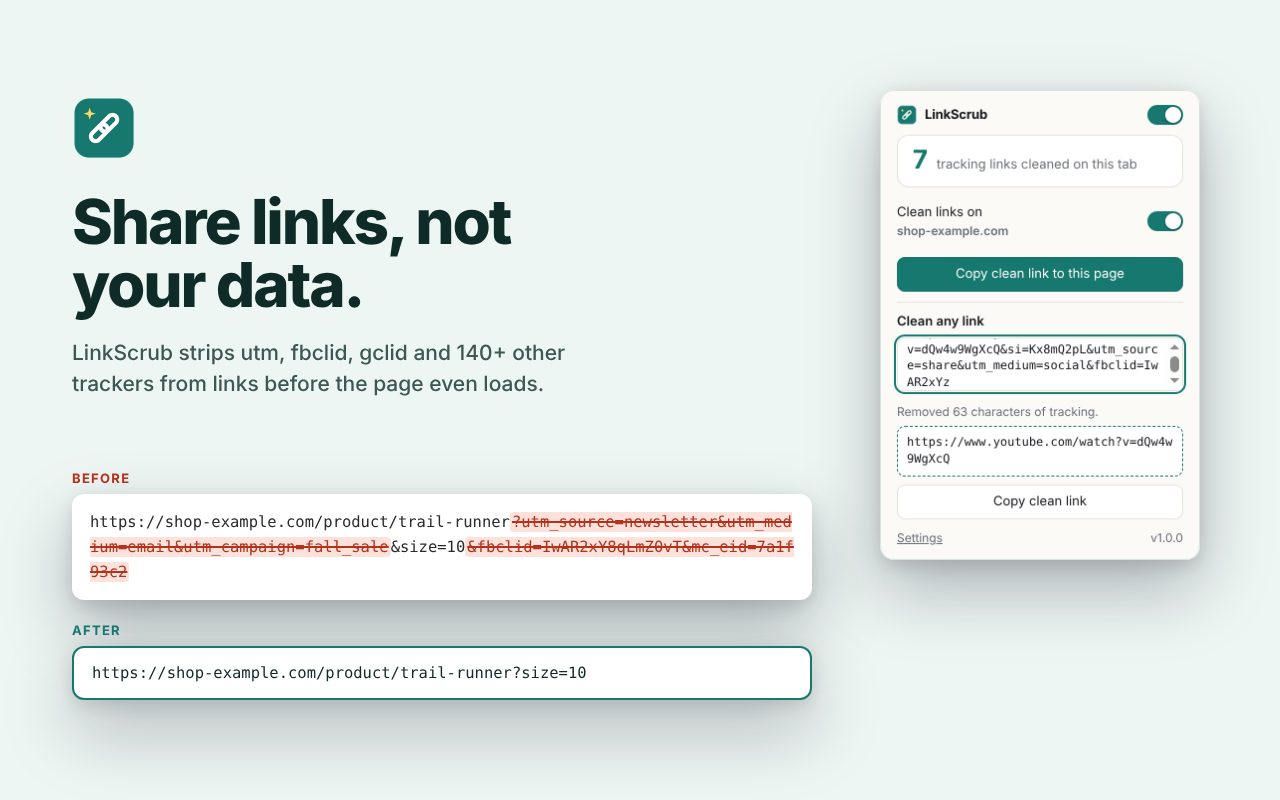
How to use it
- Add LinkScrub to Chrome from the Chrome Web Store.
- Open links as usual. Tracking codes are removed automatically.
- Right-click any link and choose "Copy clean link" to share it without the tracking.
Price
Free.
Questions
Will it break sites?
It removes only known tracking codes. If a site misbehaves, exclude it in the settings.
What does it collect?
Nothing. It uses Chrome's built-in rule engine and never reads your browsing.