How to reattach detached instances in Figma
Someone detached an instance to make a quick change, and now it no longer updates when the component does. Multiply that across a file and the design system quietly drifts.
The fix: Reattach
Reattach finds frames that were detached from a component and turns them back into linked instances automatically, local or library. Position, size, auto layout, text edits, hidden layers and swapped icons carry over.
In review at Figma. It will be on the Figma Community soon. Subscribe for updates to hear the day it's out.
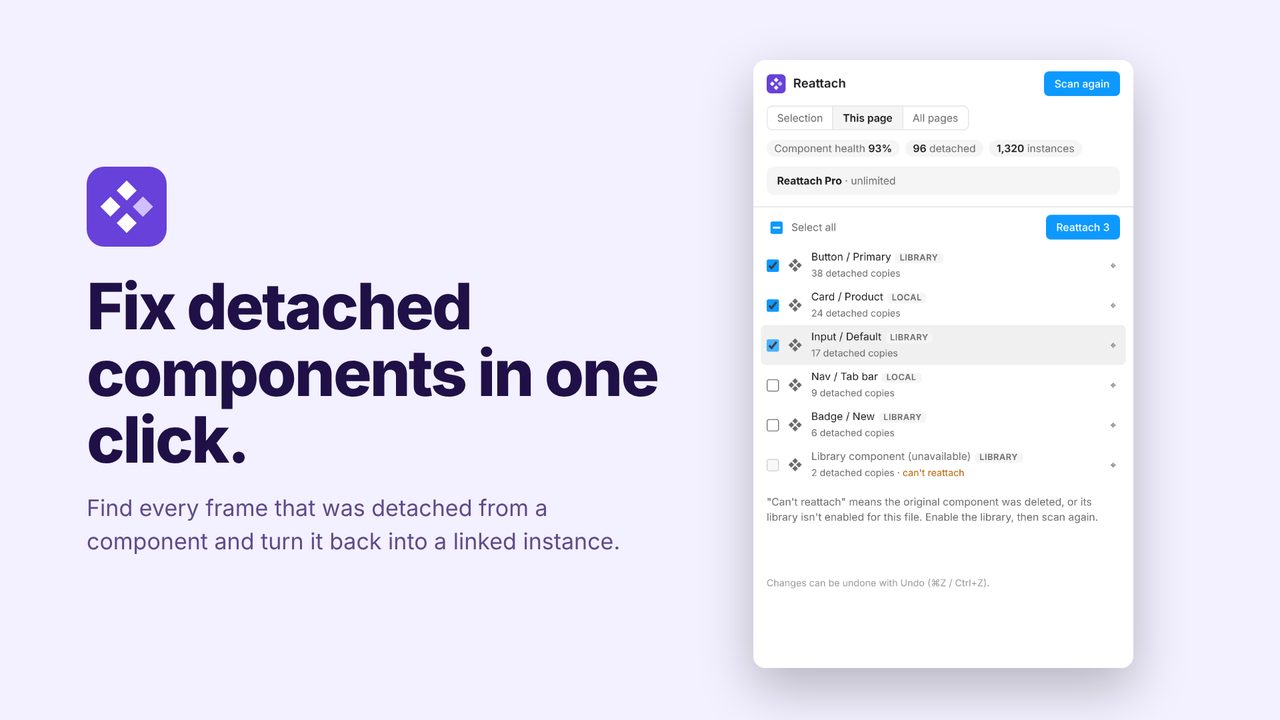
How to use it
- Run Reattach from the Plugins menu.
- Review the detached frames it matched to their components.
- Reattach one or all of them.
Price
Free: unlimited scans and 5 components a day. Pro: unlimited, $5/month or $36/year.
Questions
How does it know the original component?
Figma records which component a detached frame came from, so there's no manual matching.