How to spell check an entire Figma file
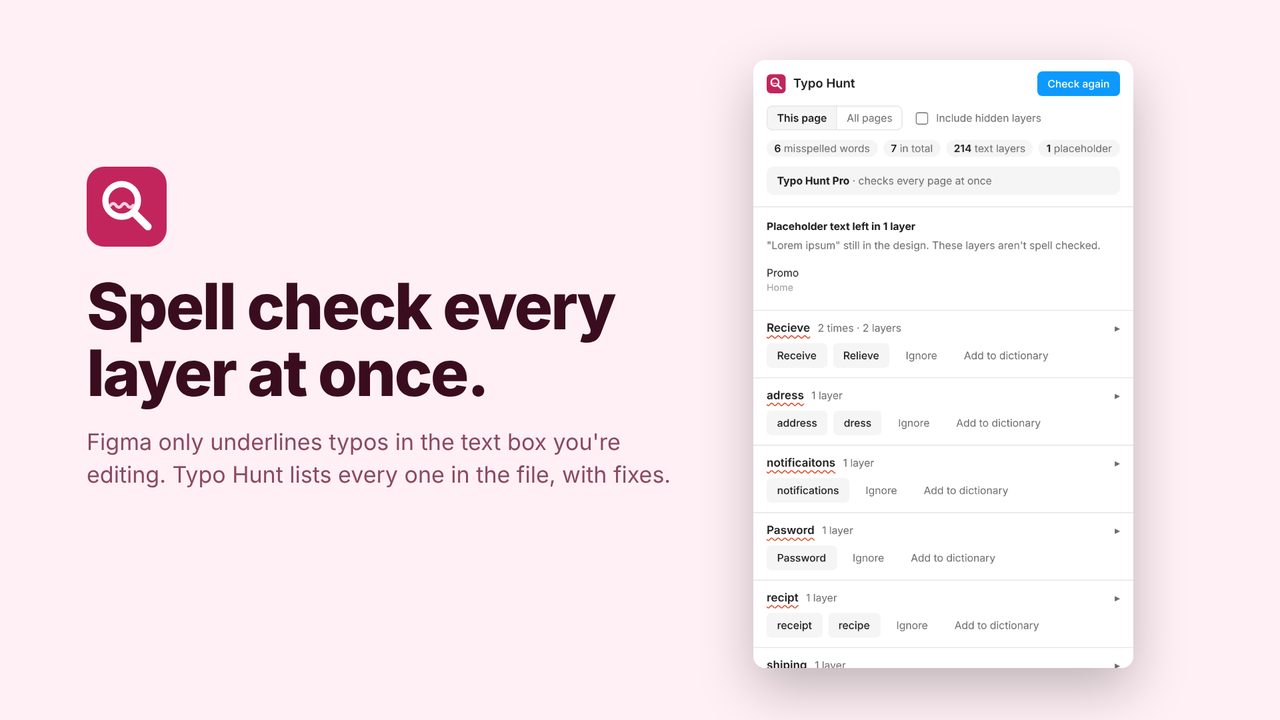
Figma only underlines a typo in the text box you're editing. A misspelling in a button or a footer you haven't clicked into goes unnoticed until someone else spots it.
The fix: Typo Hunt
Typo Hunt lists every misspelling on a page or across the whole file, groups the repeats, and fixes every copy in one click while keeping your text styling. It also flags leftover "lorem ipsum" and skips links, emails, acronyms and numbers.
In review at Figma. It will be on the Figma Community soon. Subscribe for updates to hear the day it's out.
How to use it
- Run Typo Hunt from the Plugins menu.
- Click a word to jump to it on the canvas.
- Fix it everywhere at once, or add it to your personal dictionary.
Price
Free: check one page at a time. Pro: the whole file at once, $4/month or about $29/year.
Questions
Which languages?
English (US) for now.
Does my text leave Figma?
No. The dictionary is built in; nothing is sent anywhere.